
The open-source Wispr Flow alternative
Wispr Flow showed how good voice-to-text can feel. Bulbul brings that same hold-a-key-and-talk flow to Windows, macOS, Linux, and Android — free, open source, and with no subscription. You bring your own Groq key, and your dictation history stays on your machine.
Free · GPL-3.0 · No account · Runs on Linux too
Bulbul does the same thing Wispr Flow does — you hold a key, talk, and clean text lands in whatever app you’re in — but it’s free, open source, and runs on Linux. You bring your own Groq API key instead of paying a subscription, and your dictation history never leaves your machine. Wispr Flow is the more polished, zero-setup product and it has an iPhone app; Bulbul is the open, no-subscription, developer-friendly one. Below is the honest, detailed version — including where Wispr Flow wins.
The price difference isn’t subtle
Wispr Flow’s free plan caps you at roughly 2,000 words a week on desktop. To lift that cap you move to Flow Pro at $15 a month — $144 a year, every year, for as long as you keep using it.
Bulbul has no subscription and no word cap. Instead of paying us, you paste in your own free Groq API key and pay Groq directly for what you actually use. For almost everyone that comes to nothing: Groq’s free tier is generous enough for close to a thousand dictations a day — far more than any person actually does.
And if you somehow outgrew the free tier, Groq charges about $0.04 for a full hour of transcribed audio. You would have to dictate for roughly 3,600 hours in a year — about ten hours every single day — before your Groq bill matched one year of Wispr Flow Pro. For the vast majority of people, Bulbul costs exactly nothing, forever.
For a tool with your mic, “trust us” isn’t enough
Bulbul listens to your microphone and types into every app you use. That is exactly the kind of software you should be able to inspect. Every line of Bulbul is on GitHub under the GPL-3.0 license — you, or anyone you trust, can read precisely what it records, where it sends your audio, and what it stores. You don’t have to take a privacy policy’s word for it.
Wispr Flow is closed source. It may well be trustworthy, but you can’t verify it; you’re trusting a binary and a legal document.
Open source also means Bulbul can’t be taken away from you. A subscription product can raise its price, change its terms, get acquired, or shut down — and your workflow goes with it. Bulbul’s code is yours under the GPL: fork it, build it yourself, keep running the version you like. There’s no account to lock you out, and no company that can decide you no longer have access to the thing you type with every day.
It runs on Linux. Wispr Flow doesn’t.
This one is simple. Wispr Flow has no Linux app — Linux is a “vote for it” item on their roadmap. If you work on Linux, Wispr Flow isn’t an option today.
Bulbul runs on Linux now, on both X11 and Wayland, with .deb, .rpm, and AppImage builds. Getting dictation to work on Wayland is genuinely hard — the compositor deliberately stops apps from typing into other apps — so Bulbul types through a kernel-level virtual keyboard and reads your hotkey straight from the input device, the one path even GNOME Wayland can’t block. Hold-to-talk-anywhere works on Linux exactly like it does on Windows and macOS.
For a lot of developers, that single line — “works on Linux” — is the entire reason they’re reading this page.
Your words take a shorter path
Let’s be honest up front: neither app is fully offline. Both send your audio to the cloud to transcribe it — that’s how the quality is this good. The difference is the route your words take.
With Bulbul, your audio goes straight from your machine to Groq, authenticated with your own API key. There is no Bulbul-owned server in the middle — we never see your audio, because it never touches us. Your dictation history, custom dictionary, snippets, and settings all live in a plain SQLite file on your own disk that you can read, back up, or delete. The only thing that ever leaves is an anonymous usage count, and that’s a single toggle to switch off.
And Groq doesn’t keep it or learn from it. Under GroqCloud’s data policy, Groq is not permitted to use API inputs or outputs to train or fine-tune any model, and by default it doesn’t retain the data from inference requests at all. Your audio is transcribed and discarded — it never becomes training data, and no Bulbul server ever saw it in the first place. You don’t have to take our word for it; it’s spelled out in GroqCloud’s data policy and its services agreement.
With Wispr Flow, you sign into an account and your dictation runs through their service. That may be perfectly fine — but “you can read the code and you hold the key” is a stronger privacy position than “trust our servers,” and it’s one only an open, bring-your-own-key tool can offer.
This isn’t a stripped-down clone
Free and open doesn’t mean basic. Bulbul runs a two-stage pipeline: Whisper transcribes, then a fast cleanup model rewrites the raw text — removing filler and false starts, fixing punctuation and casing, handling self-corrections, and turning a spoken list into a real bullet list. You choose how far it goes: Raw, Clean, or Polished.
On top of that: a custom dictionary for names it keeps mishearing, snippets that expand a trigger into boilerplate, per-app tone so it writes more formally in your mail client than in chat, and transforms bound to hotkeys that rewrite selected text on the fly — translate, make formal, bulletize, or your own prompts. There’s a history-and-insights view and a standalone scratchpad. It’s a serious daily driver, not a demo.
Bulbul vs Wispr Flow, line by line.
Every claim here is checked against Wispr Flow's own pricing and supported-devices pages (verified Aug 2026). Where Wispr Flow leads — like iPhone — the table says so.
- Bulbul
- Free · your Groq key
- Wispr Flow
- $15/mo · $144/yr
- Bulbul
- Wispr Flow
- ~2,000 words/wk
- Bulbul
- Wispr Flow
- Bulbul
- GPL-3.0
- Wispr Flow
- Bulbul
- Wispr Flow
- Bulbul
- Wispr Flow
- Bulbul
- Wispr Flow
- Bulbul
- Wispr Flow
- Bulbul
- Wispr Flow
- Bulbul
- Wispr Flow
- Bulbul
- Wispr Flow
- Bulbul
- Wispr Flow
- Bulbul
- Wispr Flow
- Bulbul
- Wispr Flow
- Bulbul
- Wispr Flow
- Bulbul
- Wispr Flow
Verified against Wispr Flow’s pricing and supported-devices pages, Aug 2026. Comparison is informational, not a benchmark.
Where Wispr Flow is the better pick
Bulbul is a solo, open-source project, not a funded startup. Here’s where Wispr Flow genuinely wins — so you can choose with your eyes open.
It’s on iPhone
Wispr Flow has a native iOS app. Bulbul doesn’t — Apple’s sandbox blocks the system-wide “type into any app” mechanism Bulbul relies on, so there’s no iPhone build.
Zero setup
Wispr Flow works the moment you sign in. Bulbul needs a free Groq API key first — a two-minute step, but a step.
A team behind it
Wispr Flow is polished and well-funded, with team and enterprise tiers and a support desk. Bulbul is built by one person; it’s rougher in spots, and support is a GitHub issue or an email.
So, which should you use?
No hard sell — here’s the honest split.
Choose Bulbul if…
- You don’t want a subscription
- You’re on Linux
- You value open source and privacy you can verify
- You’d rather bring your own Groq key
- You like to tinker, fork, or self-host
- You want the same tool on Android
Choose Wispr Flow if…
- You want a native iPhone app
- You want zero setup, with no API key
- You prefer a polished, funded product with a support desk
- You need team or enterprise features
See Bulbul in action.
The whole loop in a couple of minutes — set it up, hold the hotkey, talk, and watch clean text land right where your cursor already is.
Up and running in a minute.
Download the signed installer for your OS, or paste one line into your terminal. Windows · macOS · Linux · Android.
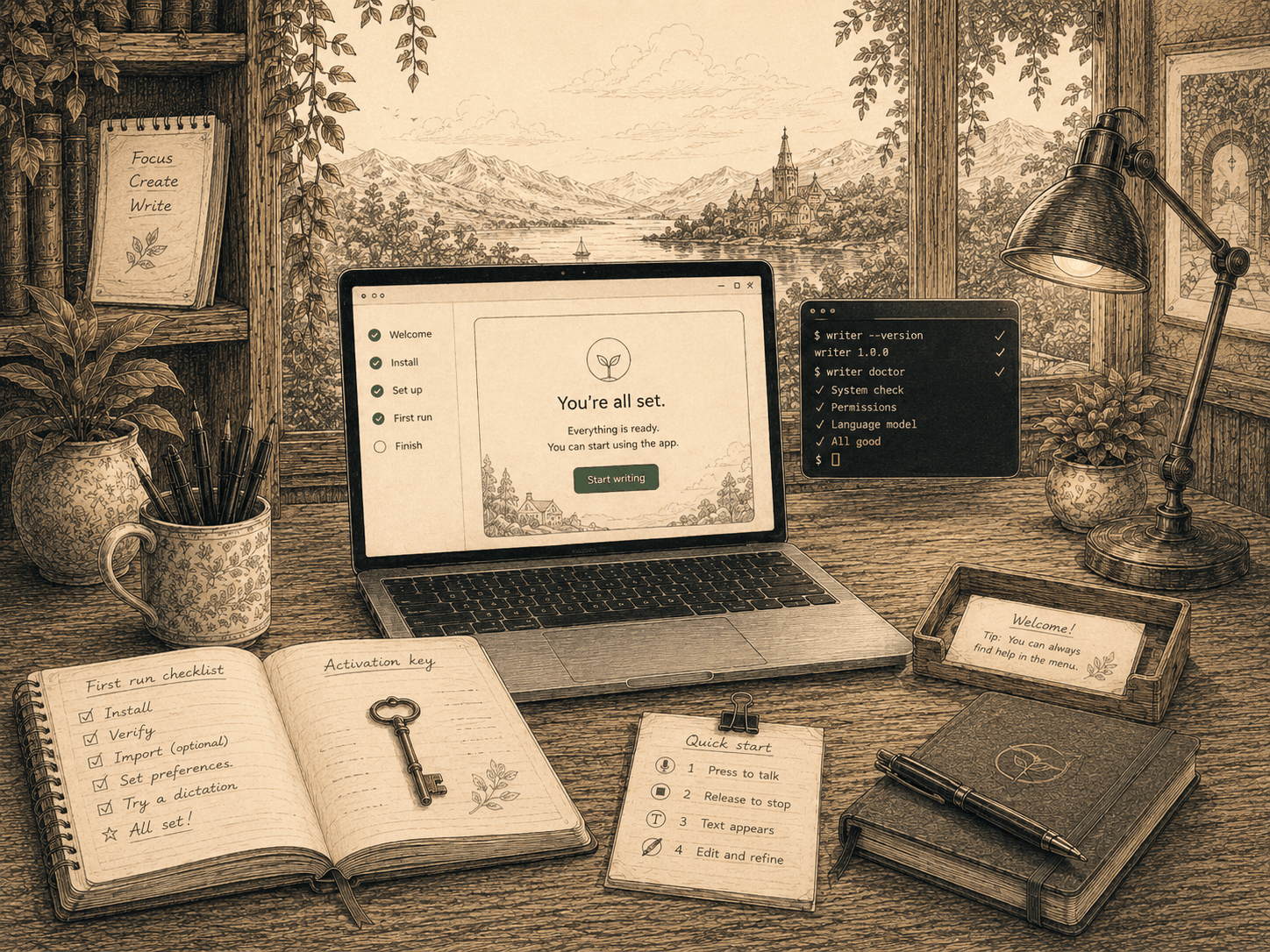
On first run, Bulbul asks for your name and your Groq API key. That’s the whole setup — no account, no sign-in.
Switching from Wispr Flow?
Yes — Bulbul. It’s free and GPL-3.0 open source, and it does the same core thing: hold a hotkey, speak, and cleaned-up text lands in whatever app you’re using. Instead of a subscription, you bring your own Groq API key and pay Groq directly for usage — and Groq’s free tier covers most everyday dictation.
Yes. Bulbul runs on Linux on both X11 and Wayland (.AppImage, .deb, .rpm), alongside Windows, macOS, and Android. Wispr Flow has no Linux app today — Linux support is currently only a vote on their roadmap.
Bulbul is free. Wispr Flow’s unlimited plan is $15 per month (or $144 per year), and its free tier is capped at about 2,000 words a week on desktop. With Bulbul there’s no subscription — you pay Groq directly for your own API usage, and Groq has a free tier.
Both send audio to the cloud to transcribe — neither is fully offline. The difference is the path: Bulbul sends your audio straight to Groq using your own API key, with no Bulbul-owned server in between, and keeps your history and dictionary in a local file on your machine. Wispr Flow routes through its own servers and account.
Not yet. Wispr Flow has a native iOS app; Bulbul doesn’t, because Apple’s sandbox blocks the system-wide “type into any app” mechanism Bulbul depends on. Bulbul covers Windows, macOS, Linux, and Android.
Bulbul is free, open source (GPL-3.0), runs on Linux, needs no account, and has no subscription — you use your own Groq key. Wispr Flow is a polished, closed-source, subscription product with an iPhone app and a team behind it. Same idea — talk, get clean text everywhere — with different trade-offs.